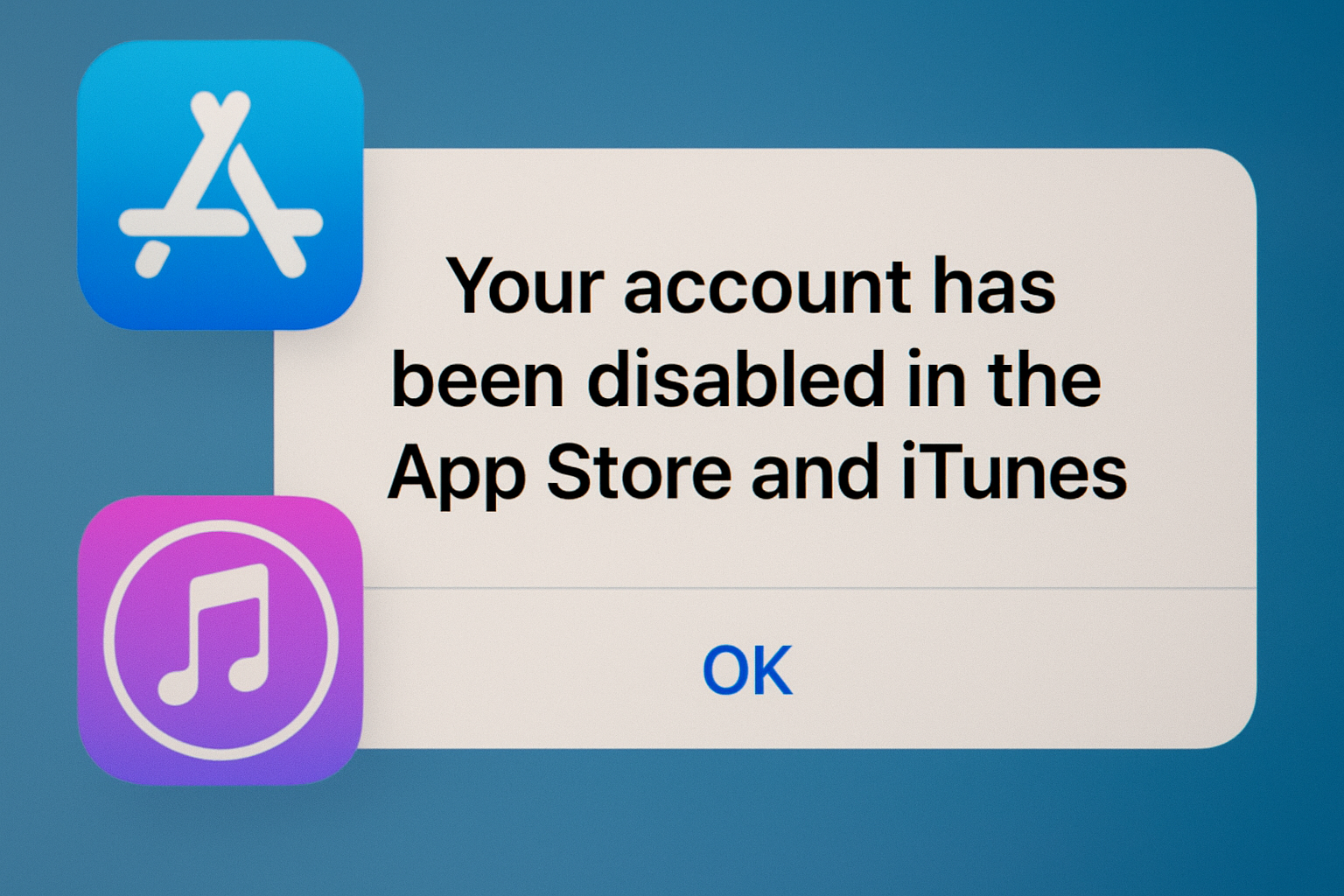
Seeing the message your account has been disabled in the app store and itunes can be alarming and frustrating. This issue often prevents users from downloading or updating apps, making purchases, or accessing iTunes services. Understanding why this happens, the common causes, and how to resolve it is essential for every Apple user. In this article, we will explore the reasons behind this problem, practical solutions, and tips to prevent it from happening again.
What Does Your Account Has Been Disabled in the App Store and iTunes Mean?
When you receive this notification, it means Apple has temporarily or permanently restricted your Apple ID from App Store and iTunes activity. This is usually a security measure or an account-related issue. It can affect your ability to:
- Download or update apps
- Purchase music, movies, or other iTunes content
- Access subscriptions linked to your Apple ID
Apple disables accounts primarily to protect users from unauthorized access, billing issues, or policy violations. Understanding the underlying reason is the first step toward resolving the issue.
Common Reasons Your Account Has Been Disabled
Several factors can trigger this notification. Below are the most common reasons:
1. Multiple Incorrect Login Attempts
Repeatedly entering the wrong Apple ID password can prompt Apple to disable your account. This is a security measure to protect your account from unauthorized access.
2. Billing or Payment Issues
Unpaid bills, declined payments, or expired credit/debit cards can cause Apple to restrict your account. Ensuring your payment method is up to date can often resolve the problem quickly.
3. Suspicious or Unusual Activity
Apple monitors account activity for security. Logging in from a new device, a different region, or engaging in unusual purchase patterns can lead to a temporary account disablement.
4. Disputed Charges or Chargebacks
If a user disputes a payment or requests a refund directly through their bank, Apple may temporarily disable the account to prevent further issues until the matter is resolved.
5. Violation of Apple Terms and Policies
Rarely, Apple may disable accounts if it detects fraud, misuse, or violations of their terms and conditions. This is usually accompanied by a message explaining the reason.
6. Account Inactivity
Long periods without signing in to the App Store or iTunes can sometimes trigger account restrictions, especially if there are pending payments or other issues.
How to Fix Your Account Has Been Disabled in the App Store and iTunes
Fortunately, there are several ways to resolve this issue. The solution depends on the underlying cause of the disablement.
1. Update Your Payment Information
If your account was disabled due to billing issues, updating your payment method may solve the problem. Go to Settings > Your Name > Payment & Shipping and ensure all information is current.
2. Reset Your Apple ID Password
If your account was disabled due to security concerns or incorrect login attempts, resetting your password can help. Visit iforgot.apple.com to initiate the process.
3. Sign Out and Sign Back In
Signing out of your Apple ID on all devices and signing back in can refresh your account credentials and restore access to the App Store and iTunes.
4. Wait and Try Again
In cases of temporary disablement due to multiple failed login attempts, waiting for 24 hours before trying again can resolve the issue.
5. Check Device Date and Time
Incorrect date or time settings on your device can prevent Apple servers from verifying your account. Ensure your device has the correct settings under Settings > General > Date & Time.
6. Contact Apple Support
If none of the above steps work, reaching out to Apple Support is the most reliable solution. Apple can provide details on why your account was disabled and guide you through unlocking it.
Tips to Prevent Your Account From Being Disabled
To avoid encountering the message your account has been disabled in the app store and itunes in the future, consider these precautions:
- Use a strong, unique password and update it regularly.
- Avoid multiple failed login attempts.
- Keep your payment information current.
- Monitor your account activity for any suspicious logins.
- Avoid disputing charges unnecessarily; if needed, resolve issues promptly with Apple.
By following these tips, you can reduce the likelihood of account disablement and maintain uninterrupted access to Apple services.
Common User Concerns
Users often have similar questions about this issue, such as:
- Why did Apple disable my account suddenly?
- Can I lose my purchases if my account is disabled?
- How long does it take to recover my account?
Understanding these concerns helps users take the correct steps to restore their accounts efficiently.
FAQs
1. Can I still access my apps if my account is disabled?
No, you may not be able to update or download apps until the issue is resolved.
2. How long does it take to fix a disabled Apple ID?
It depends on the cause. Simple billing issues may resolve immediately, while security concerns may take longer.
3. Will resetting my password help unlock my account?
Yes, resetting your Apple ID password can often restore access if the account was disabled for security reasons.
4. Is contacting Apple Support necessary?
If other solutions fail, contacting Apple Support is the most reliable way to recover your account.
5. Can I prevent my account from being disabled in the future?
Yes, by keeping payment details updated, using a strong password, and monitoring account activity.
Conclusion
The message your account has been disabled in the app store and itunes is a common issue that Apple implements to protect users and their accounts. While it can be frustrating, understanding the causes and following the correct steps can restore access quickly. Updating payment information, resetting your password, checking device settings, and contacting Apple Support are effective ways to resolve the issue. By taking preventive measures, you can reduce the likelihood of future account disablements and enjoy uninterrupted access to the App Store and iTunes.


